neotiles
neotiles is a Python library which allows you to divide either a neopixel matrix or an RGB matrix into independent animated tiles for rendering based on arbitrary input data. Each tile can display something different: a block of color, an animation, scrolling text, or whatever else you can implement; and all the tiles can be displayed in different regions of a single matrix.
A neopixel matrix contains a grid of RGB(W) LED pixels. Here’s what one looks like (images from Adafruit):
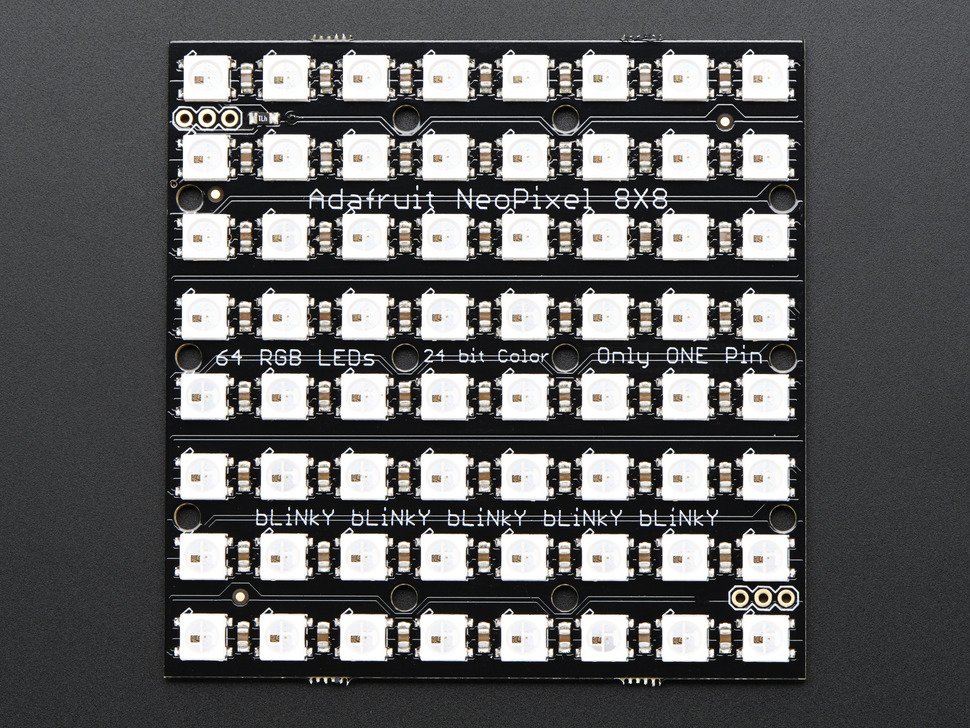
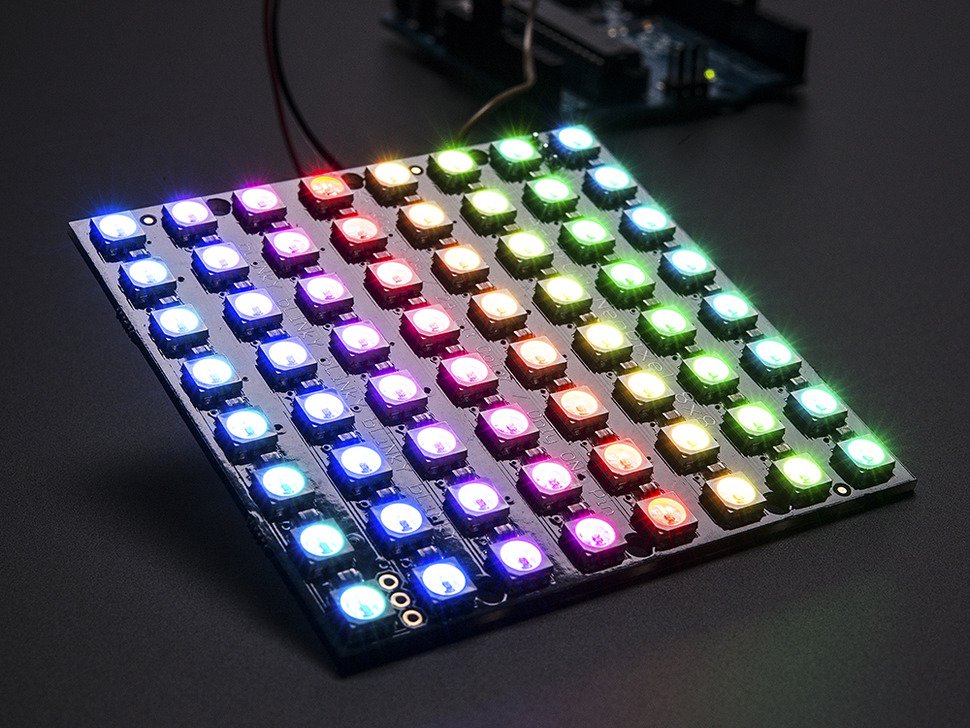
An RGB matrix looks like this:

neotiles has been tested on a Raspberry Pi 3 with the above matrixes and Python 3.4 and 2.7. It has not been tested on Micropython.
What neotiles does
Normally you control all the pixels in a matrix via their unique pixel number, like this matrix which contains pixels 0 through 63:

This works great but can become a little unwieldy if you want to display multiple things in different sections of your matrix at the same time – especially if those things are based on input data (perhaps from a few sensors) which are changing over time (requiring animation).
For example, let’s say you wanted to show the readings from three different sensors in the three blocks shown above (top-left in red, top-right in green, and bottom in blue); and you wanted the intensity of each block’s color to be affected by the value of the sensor, where a higher sensor value results in a more brightly-colored block.
neotiles simplifies this by splitting your matrix into independent rectangular tiles. Each tile is given some input data which the tile can use to set set the color of its own pixels.
With neotiles, the above example can now be treated as 3 separate tiles, each with its own mini-matrix of pixels always starting at (0, 0):

How to use it
To use neotiles all you need to do is:
- Create a
TileManagerobject, giving it information on your hardware matrix and optionally enabling animation (via thedraw_fpsparameter). - Create your own subclasses of
Tileand implement thedraw()method, which sets the tile’s pixel colors appropriately based on whatever data is currently available. - Create tile objects from your Tile subclasses, and register them with your TileManager object.
- Call
TileManager.draw_hardware_matrix()to draw all the tiles on the matrix.
And if you’re sending data to your tiles then:
- Send data to the TileManager object with
TileManager.send_data_to_tiles(), or individually to each Tile object via theTile.dataattribute. - The data can be anything in any format, so long as your tiles know how to interpret it and update their pixel colors appropriately. Each tile’s new colors will be automatically displayed on the matrix by the animation loop; or if you’ve disabled animation then just call your tile manager’s
draw_hardware_matrix()method whenever you’re ready to update the matrix.
A quick example
Below is an example which takes an 8x8 matrix and renders (without input data or animation) three tiles inside of it: a top-left 4x4 tile (in red), a top-right 4x4 tile (in green), and an 8x4 bottom tile (in blue):
from neotiles import TileManager, Tile, PixelColor
from neotiles.matrixes import NTNeoPixelMatrix

# Initialize an 8x8 neopixel matrix.
tiles = TileManager(
   NTNeoPixelMatrix(size=(8, 8), led_pin=18), draw_fps=None)

# Create three tiles. Tiles are given their dimensions later.
red_tile = Tile(default_color=PixelColor(128, 0, 0), animate=False)
grn_tile = Tile(default_color=PixelColor(0, 128, 0), animate=False)
blu_tile = Tile(default_color=PixelColor(0, 0, 128), animate=False)

# Assign the 3 tiles to the matrix. This is when the tiles will be
# given their dimensions.
tiles.register_tile(red_tile, size=(4, 4), root=(0, 0))
tiles.register_tile(grn_tile, size=(4, 4), root=(4, 0))
tiles.register_tile(blu_tile, size=(8, 4), root=(0, 4))

# Display each tile's pixel colors on the neopixel matrix.
tiles.draw_hardware_matrix()
This example relies on the default Tile class’s default_color parameter to
set its color. Normally you’ll write your own subclass of Tile which will set
the tile’s pixels to more interesting colors (via your override of the
Tile.draw() method).
You can see more on the Examples page.